
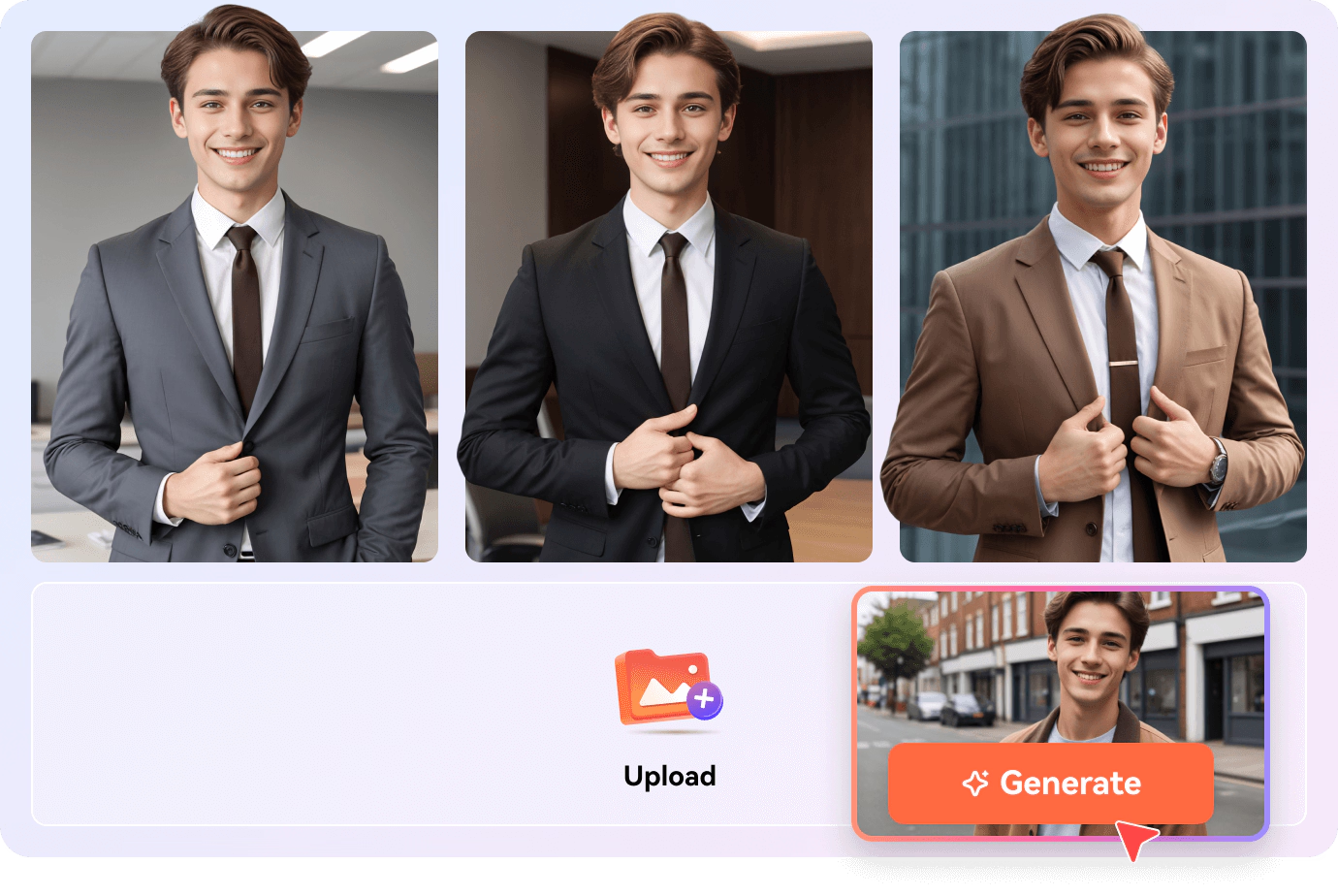

There’s a moment most people have experienced: needing a professional headshot for a LinkedIn update, a fresh avatar for a new platform, or a character image for a creative project — and realizing that getting a good one is either expensive, time-consuming, or both.
Professional portrait photography runs $150 to $400 for a basic session. Custom digital art commissions from a skilled illustrator can take weeks and cost more. Free photo editing tools require skills most people don’t have. The gap between “I need a great portrait” and “I have one” has historically been wide.
AI portrait generators are closing that gap quickly — and the use cases extend well beyond the obvious.
What Is an AI Portrait Generator and Who Is Actually Using It?
An AI portrait generator creates a realistic, stylized, or artistic portrait image from either a photo input or a text description. You provide the raw material — a selfie, a description of the person or character you want, or both — and the system generates a polished portrait that matches your specified style, context, and aesthetic.
The underlying technology combines facial recognition, generative image synthesis, and style transfer modeling. In practical terms: the AI understands what a face looks like, what makes a portrait feel professional or artistic or fantastical, and how to blend those elements into a coherent, high-quality output. What makes current tools different from earlier avatar generators is the combination of realism and flexibility — the same system can produce a polished corporate headshot and a fantasy warrior portrait with equal competence.
The user base is broader than most people expect. It’s not primarily designers or technologists. It’s professionals who need updated profile photos, parents creating family portrait art, content creators building consistent visual identities, writers and game developers visualizing characters, and social media users who want something more distinctive than a phone selfie.
Real Scenarios Where an AI Portrait Generator Solves a Genuine Problem
Professionals Who Need a Better Profile Photo Without a Shoot
LinkedIn profile photos with professional headshots receive significantly more profile views and connection requests than casual photos or no photo at all — the platform’s own data has consistently shown this effect. Yet a substantial portion of working professionals either can’t justify the cost of a headshot session or simply never get around to scheduling one.
An AI portrait generator addresses this practically. Upload a recent photo — even a decent smartphone selfie — describe the style you want: “professional, neutral background, business attire, soft studio lighting” — and generate a polished headshot-quality portrait in seconds. The result is usable on LinkedIn, company websites, conference speaker bios, and email signatures.
For remote workers, freelancers, and anyone who’s been putting off a professional photo update, this is a genuinely useful shortcut. The quality threshold for profile photography isn’t “indistinguishable from a studio shoot” — it’s “clearly professional and well-presented.” Current AI portrait tools clear that bar reliably.
Content Creators Building a Consistent Visual Brand
YouTube channels, TikTok accounts, Twitch streams, and newsletter brands all benefit from consistent visual identity — a recognizable face or character that appears across thumbnails, profile images, channel art, and social profiles. For creators who prefer not to appear on camera, or who want a stylized version of themselves rather than a literal photo, AI portrait generation offers a practical solution.
A creator can generate a consistent stylized portrait of themselves — same art style, same color treatment, same general aesthetic — and use it across all their platforms. When they need an updated version, or a variant for a specific series or campaign, they generate a new one rather than commissioning new artwork.
The AI Portrait Generator extends this further: generated portraits can be directly animated using the platform’s Talking Photo feature, so the portrait doesn’t just sit as a static image — it can speak, express emotion, or sing, making it usable for intros, announcements, and dynamic content formats on YouTube and TikTok.
Writers, Game Developers, and Storytellers Visualizing Characters
One of the most underappreciated use cases is character visualization for creative projects. Writers working on novels, screenwriters developing pitches, tabletop RPG players creating character backstories, and indie game developers building visual assets all have a shared need: they can describe a character in precise detail, but translating that description into a visual has traditionally required either artistic skill or a commissioned illustration.
A text-prompt AI portrait generator handles this directly. “A woman in her mid-40s, weathered features, close-cropped silver hair, calculating expression, wearing a worn leather jacket” produces a reference image that matches the character concept without requiring any artistic skill from the person doing the describing. For a writer, having a visual reference for each major character changes how the writing process feels — the characters become more concrete, easier to describe consistently, easier to share when pitching to collaborators or publishers.
Family Portraits and Pet Portraits as Personal Art
Custom family portrait commissions from digital artists typically run $80 to $300 depending on complexity and the artist’s rate, with turnaround times of one to three weeks. For a holiday gift, a home print, or a memorable commemoration of a family moment, that’s a reasonable investment — but it’s also a barrier that keeps many people from ever doing it.
AI portrait generation makes this category accessible without the cost or wait. Upload a family photo, describe the style you want — “painterly, warm tones, impressionist style” or “clean digital illustration, soft colors” — and generate a portrait that functions as personalized art. The same workflow applies to pet portraits, which have proven to be one of the most popular use cases across AI portrait platforms.
How to Get the Most Out of an AI Portrait Generator
Photo Input vs. Text Input: Choosing the Right Approach
Photo input works best when you’re generating a portrait of a real, specific person — yourself, a family member, a pet. The AI uses the facial structure from the photo as a foundation and applies the style or context you specify on top of it.
Text input works best when you’re creating a fictional character, a stylized persona, or any portrait where you don’t have a reference photo to work from. The more specific your description — age, facial features, hair, expression, setting, lighting, art style — the closer the output will be to your intent.
For many use cases, combining both approaches produces the best results: upload a photo for facial structure reference, then add detailed text description for style, setting, and aesthetic direction.
Specify Style and Context Explicitly
“Portrait” is not a sufficient prompt. The difference between “realistic professional headshot, neutral gray background, front-facing, soft even lighting” and “fantasy portrait, dramatic side lighting, detailed armor, forest background, painterly style” is enormous — and both are valid uses of the same tool.
Think about where the portrait will be used, what emotional register it needs to communicate, and what visual style fits that context. Then describe those elements directly in your prompt.
Use the Talking Photo Integration for Dynamic Content
A static portrait is useful. An animated portrait that speaks or sings is a different creative asset entirely. LipSync Video connects portrait generation directly to its lip-sync animation feature, so any portrait you generate can be immediately brought to life as a talking or singing video.
For content creators, this means a generated avatar can deliver an intro, narrate a video, or perform for a short-form clip — without any camera, actor, or separate production step. The portrait generation and animation workflow can be completed in a single session, producing a finished animated character from nothing but a text description and a script.
Why This Format Is Sticking Around
AI portrait generation is growing because the underlying need it serves — accessible, high-quality, personalized visual identity — has always existed. The technology has simply made it cheaper and faster to fulfill.
Professional portrait photography, custom illustration, and commissioned character art will retain their value for projects where the highest possible quality or a genuine human creative touch matters. What AI portrait tools address is everything else: the professional who needs a better LinkedIn photo, the creator who wants a consistent avatar, the writer who wants to see their characters, the family that wants personalized art without a three-week wait.
That’s a large, real, and growing market — and the tools have reached a quality level where the output genuinely serves those needs.